

The Best Short-Throw Projectors
The best short throw projector for your room depends on the space between the lens and screen, the picture size you want and whether 4K is worth the extra cost. The BenQ TH671ST is a sensible 1080p starting point.
We may earn a commission from links in this guide. As an Amazon Associate I earn from qualifying purchases.
A short-throw projector can put a large picture into a smaller room without mounting a machine far behind the sofa. That freedom comes with a more exact question: where can the lens sit without blocking the room or putting people in the beam? The BenQ TH671ST is a sensible 1080p starting point. A 4K gaming setup may lead to a different model and price.
For a straightforward 1080p setup, the BenQ TH671ST gives us a useful place to begin. The Optoma GT2400HDR is another close-placement option; the BenQ TK710STi is the 4K choice if that resolution is worth the added cost. None should be bought from the short-throw label alone. Use the maker’s throw calculator before deciding where a shelf or mount will go.
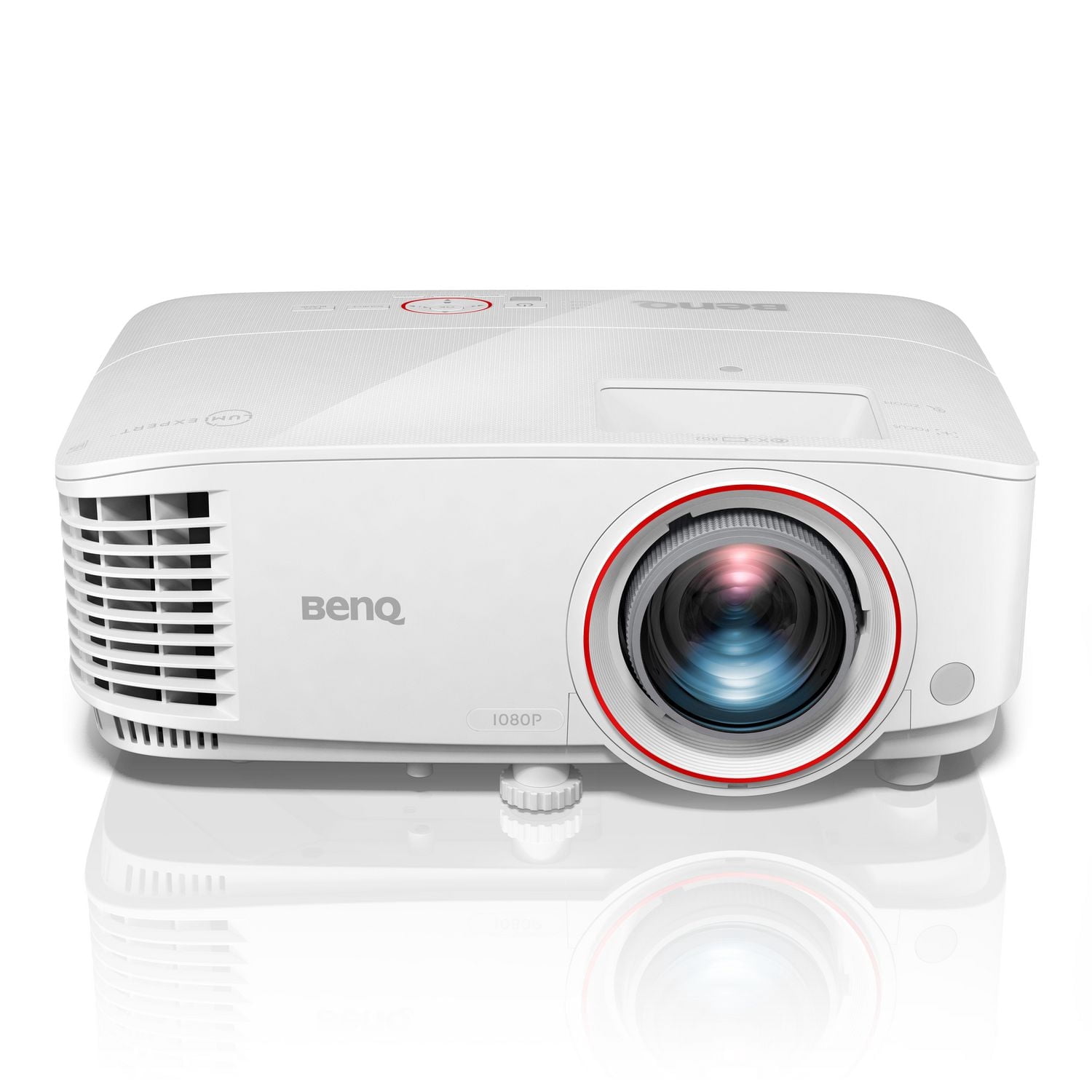
Everything we recommend
Our picks

Our first comparison
BenQ TH671ST
The TH671ST is a way to get a large image in a relatively shallow room when 1080p detail is enough. Measure the visible screen width and the lens position, allowing space behind the projector for power and video cables. A shorter throw can place the unit near seats, where fan noise or a tabletop obstruction becomes more noticeable. Include a lamp replacement in the long-term budget. If the room supports a conventional rear placement, compare the whole installation before paying for short throw.

For a tighter placement
Optoma GT2400HDR
The GT2400HDR is useful when the same room cannot be fully dark for every viewing. Its brighter claim deserves context: the mode that looks best for a film may differ from the mode with the highest light output. Control light falling on the screen first, then calculate whether its short-throw position is practical for your furniture. An image that fills the wall but sits too high or crosses a walkway will not feel like an easy home setup.

For a 4K setup
BenQ TK710STi
The TK710STi makes the most sense when you want short-throw placement and will use the sharper 4K film mode as well as the faster game modes. Those are different signal choices, so map your sources and how often you switch. Measure for the same screen size as the cheaper 1080p models and include the cost of audio. A resolution upgrade is meaningful only after you have a position that produces a clean, correctly sized picture.
The research

Short throw changes where people can stand
A short-throw projector can create a large image from a closer position, which helps in a small room or a space where people walk between the seats and screen. It can also put the unit on a table or shelf in the middle of daily activity. Measure that position, including the height of the lens and the way cables will leave it. A product photo cannot tell you whether a person standing up will cross the beam.
The BenQ TH671ST offers a different price and resolution path from the TK710STi. The Optoma GT2400HDR may suit a room with another light and distance balance. Use the throw calculation for your target screen size before comparing them on picture claims.
The screen surface becomes more visible
Projecting at a steeper angle can reveal ripples, wall texture and alignment errors. A flat, properly placed screen helps more than repeated digital correction after installation. If the projector is temporary, give it a repeatable shelf position and a clear setup route. If it is permanent, check the mount height and access for ventilation and cleaning.
Also think about how you use the image. Games may favor a responsive mode and a signal path that supports your console. Movies may make contrast, color and fan noise more noticeable. A short-throw model earns its place when the room truly needs that lens geometry and the rest of the setup supports it.
How to choose the best short throw projector for your room
Pick a desired image width and use the exact model’s throw ratio or calculator to find the lens-to-screen range. Mark that window in your room. The projector body extends behind the lens, and the cables need their own bend space, so a shelf that is just deep enough for the lens distance may still fail. Check vertical offset and the allowed mount orientation too. Zoom can provide a range of positions, but digital keystone is not a replacement for physical placement. For example, BenQ lists the TH671ST throw ratio as 0.69 to 0.83; use the exact model specs when marking your shelf or mount.
Plan for traffic and ventilation
A short-throw projector often sits in the same part of the room where people walk, reach for a table or sit in front of the screen. Trace the light beam from lens to screen and consider whether someone crossing it will cast a shadow. A ceiling mount can remove a table from the path but requires a sound installation and longer power and signal routing. Check the maker’s intake and exhaust clearances, especially in a shelf or cabinet. A projector that fits on paper can still be awkward to live with.
Work backward from screen width
Throw distance is measured from the lens to the screen, not from the back of the projector or the front edge of its table. Choose your intended image width and use each manufacturer’s throw calculator to find the allowed lens position. Then check whether a shelf, ceiling mount or cart can place the lens there without blocking traffic. Zoom range can provide some adjustment, but it does not make a short-throw model fit any room.
The BenQ TH671ST and Optoma GT2000HDR are Full HD choices to compare when a large picture from a short distance is the goal. The BenQ TK710STi adds a 4K input and short-throw placement for a different budget. The Optoma GT2400HDR and GT2300HDR should be checked against the current manufacturer specifications rather than treated as identical because their model numbers are close.

Another short-throw option
Optoma GT2000HDR
A laser-light-source option for a fixed spot in a shallow room. Avoiding routine lamp replacements is useful, but the main question is whether the lens can form the picture you want from the mount or shelf available. Compare its throw range and image modes with the GT2400HDR instead of treating two similar Optoma names as interchangeable. A permanent installation also needs power, signal cable routing and enough ventilation clearance around the body.
Short throw is not ultra-short throw
A short-throw projector generally sits several feet from the screen. An ultra-short-throw model lives on a console very close to the wall and sends light upward at a steep angle. They need different furniture, screens and cable paths. If your only usable position is immediately below the image, compare an ultra-short-throw setup instead of forcing a short-throw lens onto the front of a narrow console.
The light path matters in a living room. A table between viewers and the screen can be bumped, and people walking across it cast shadows. A ceiling mount removes some of those issues but adds installation and a longer power and signal route. Check the projector’s mounting orientation and ventilation clearance in its manual.
Check image quality in the real room
A larger image spreads available light over more area. Consider the room lighting and screen surface before selecting a maximum advertised diagonal. Start with a picture size you can keep bright enough for the content you watch. On a plain wall, texture and uneven paint are easy to see at large sizes; a flat screen is a more predictable surface.
We compared published throw style, source modes and installation demands from maker specifications. Verify the current model’s throw chart, inputs and mounting instructions before buying. Closely named variants may have different lens geometry and bundles.

For comparing neighboring Optoma models
Optoma GT2300HDR
Another laser short-throw model to compare if 1080p high-refresh gaming is part of the plan. The cited 120 Hz option is a specific signal mode, so check the console or PC output it accepts and what happens with 4K sources. Compare its actual throw geometry, mounting orientation and light output against the neighboring GT2000HDR and GT2400HDR. The better choice depends on the exact room and source, not the higher model number.
Short throw solves one specific room problem
A short-throw projector can make a large picture from a shallower room than a conventional model, often with the lens ahead of the seating area. It is not the same as an ultra-short-throw unit that sits inches from the wall. Measure lens-to-screen distance using each candidate’s stated range. Then check whether people will walk through the light path, whether a ceiling fan obstructs mounting and how far the projector must be from a wall for ventilation.
A shorter throw can make focus and screen flatness more noticeable across a wide image. A smooth, tensioned surface is useful, especially if you will project graphics or games with straight edges. The BenQ and Optoma models here target different combinations of resolution, brightness and input modes, so compare the exact version rather than the family name. If the main use is gaming, verify the input mode and latency at the resolution and refresh rate you actually intend to send.
Common questions
Does short throw mean I can put it against the wall? No. Use the maker’s lens-to-screen distance for your desired width.
Is a 4K short-throw model always preferable? Not if it does not fit the room or budget. Resolution is one part of the setup.
Can keystone fix a bad position? It can help with geometry, but physical placement and a flat screen should come first.